Boost Force Instrukcja Użytkownika
Przeglądaj online lub pobierz Instrukcja Użytkownika dla Telefony komórkowe Boost Force. Get Started Instrukcja obsługi
- Strona / 22
- Spis treści
- BOOKMARKI

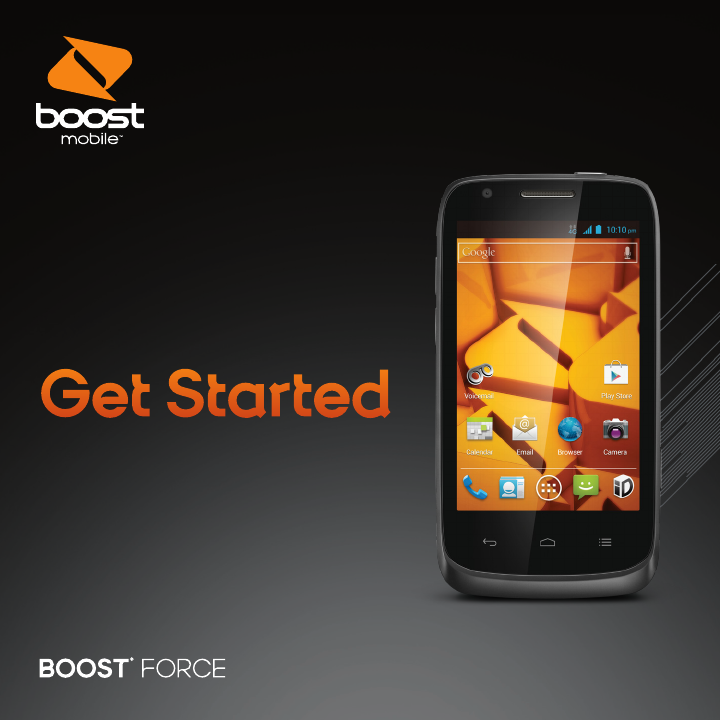
- Get Started 1
- Your Device Features 2
- Quick Tip 3
- Get Your Device Ready 4
- Powering On/Off 5
- Changing the System Language 5
- Place a Call by Dialing 6
- Call a Contact 6
- Contacts 7
- Messaging 8
- Add an Email Account 9
- Compose and Send an Email 9
- Download Mobile ID 10
- Descarga de Mobile ID 12
- Soporte Técnico 13
- Mensajería 14
- Correo electrónico 15
- Por Medio De Marcación 16
- Para llamar a un contacto 16
- Contactos 17
- Prepara tu equipo 18
- Encendido/Apagado 19
- Las funciones de tu equipo 20
- Consejo 21
- Para empezar 22
Podsumowanie treści
Get StartedAll you need to know to get going.
Download Mobile IDMobile ID delivers the very best applications for your phone, handpicked by Boost, in one easy-to-use Boost ID pack – Facebook®, You
SupportFor additional device support:Please visit the Boost Mobile Device Support Webpage at:http://www.boostmobile.com/support/device-support/Or acce
Descarga de Mobile IDMobile ID ofrece las mejores aplicaciones para tu teléfono, cuidadosamente escogidas por Boost, en el paquete fácil de usar Boos
Soporte TécnicoSoporte técnico adicional para el equipo:Visita la página web de Soporte Técnico para el equipo de Boost Mobile, en:http://www.boostmob
MensajeríaEnvía un mensaje de texto (SMS)1. Toca > > en la parte inferior.2. Toca el campo Para e ingresa el número del destinatario o, s
Correo electrónicoAgrega una cuenta de correo electrónico1. Toca > Correo electrónico.2. Cuando abres el Correo electrónico por primera vez, esc
LlamarPor Medio De Marcación1. Toca la tecla > .2. En la pestaña de marcar , escribe el número de teléfono con el teclado en pantalla. Toca
ContactosAgrega un contacto nuevo1. Toca la tecla > y luego toca la pestaña Todos los contactos .2. Toca para agregar un nuevo contacto.3. T
Prepara tu equipoConfigura tu equipo Primero, debes instalar y cargar la batería para empezar a configurar tu equipo.1. Quita la tapa.2. Coloca la bat
Encendido/ApagadoAsegúrate de que la batería esté cargada.+ Mantén presionando el botón de encendido para encender tu equipo.+ Para apagarlo, mantén p
Your Device FeaturesMicrophoneStatus Bar IconsVolume ButtonsDisplay ScreenHOME KeyBACK KeyFront CameraLED IndicatorMENU Key
Las funciones de tu equipoMicrófonoÍconos de la barra de estadoTeclas de volumenPantallaTecla inicioTecla atrásCámara delanteraIndicador LEDTecla menú
Entrada para audífonos Altavoz externoLente de cámaraFlash de la cámaraEntrada para cargador/accesoriosRanura para tarjeta SDBotón cámaraBotón de ence
Para empezar Todo lo que necesitas saber para iniciar.081704100108
Headset JackExternal SpeakerCamera LensCamera FlashCharger/Accessory JackmicroSD Card SlotCamera ButtonPower ButtonQuick Tip. For additional device su
Set Up Your Device You must first install and charge the battery to begin setting up your device. 1. Remove the back cover.2. Insert the battery by al
Powering On/OffMake sure the battery is charged.+ Press and hold the Power Key to turn on your phone.+ To turn it off, press and hold the Power Key t
CallingPlace a Call by Dialing1. Touch > .2. In the dialer tab , enter the phone number with the on-screen keypad. Touch to delete w
ContactsAdd a Contact1. Touch > and touch the all contacts tab .2. Touch to add a new contact.3. Touch the account field on the top of the s
MessagingSend a Text Message (SMS)1. Touch > > at the bottom.2. Touch the To field, and enter the recipient’s number or, if the recipient
EmailAdd an Email Account1. Touch > > Email.2. When you open Email for the first time, enter your email address and password and then touch
Więcej dokumentów dla Telefony komórkowe Boost Force


Powiązane produkty i podręczniki dla Telefony komórkowe Boost Force
 (195 strony)
(152 strony)
(195 strony)
(152 strony)
 (161 strony)
© 2020, manymanuals.pl. Wszelkie prawa zastrzeżone. | 0.038 s |
 Manymanuals.com
 Manymanuals.de
 Manymanuals.fr
 Manymanuals.it
 Manymanuals.pl
 Manymanuals.cz
 Manymanuals.es
 Manymanuals-pt.com
Komentarze do niniejszej Instrukcji